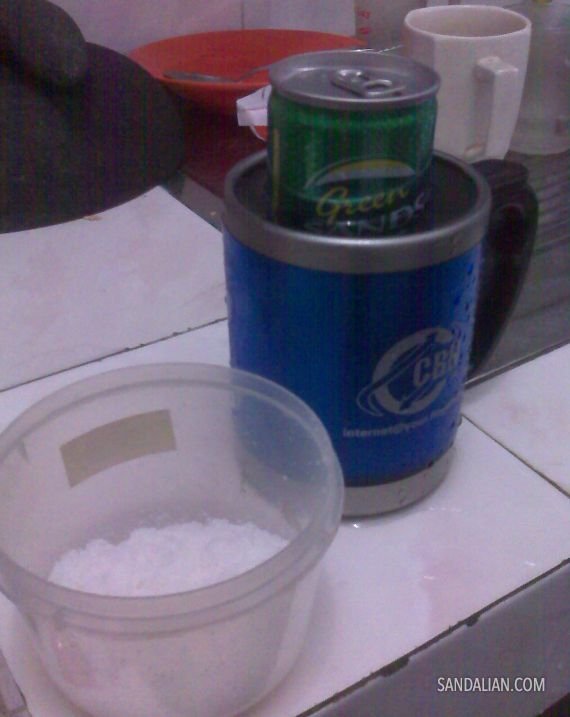
Sebelum berangkat kerja tadi saya mampir membeli satu kaleng Greendsand dingin, rencananya untuk dinikmati sambil mengerjakan gawean. Sampai di kantor, ternyata sudah ada satu botol besar Coca Cola […]
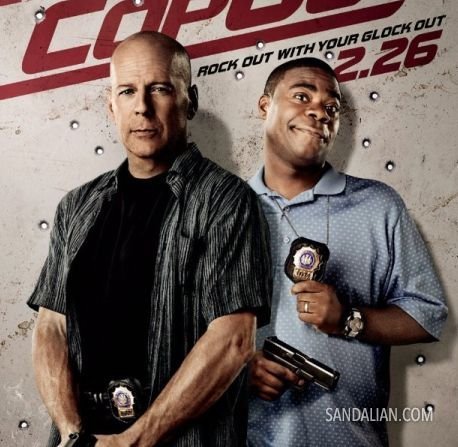
Cop Out – Yes, Out!
Jika Anda penggemar film action, saya sangat tidak menyarankan Anda untuk menonton film ini. Adegan paling keras yang dilakukan Bruce Willis di film ini adalah ditabrak mobil dan […]
A Hope, Opera Mini Proxy in Indonesia
As a second position of Opera Mini worldwide users, I think Opera must have proxy server here in Indonesia. Indonesia has its own internet line called IIX (indonesia […]
Kenapa Youtube Downloader Tidak Berfungsi
Setelah beberapa kali mati dan hidup lagi, kali ini Youtube downloader yang saya pasang di MOBI kembali tidak berfungsi. Penyebabnya adalah karena Youtube menerapkan aturan baru di sistemnya, […]
SmadAV – At a Glance
SmadAV is a local antivirus made by Indonesia youths that I’ve heard since some times ago but just now I get the chance to give it a try. […]
Create PDF Files For Free
I was wondering why many people still using Adobe Acrobat for creating PDF files from their documents. It’s bloated –or you can say my computer is too old– […]

Batu Merah Delima
Bagi Anda yang belum mengetahui, batu merah delima (beberapa menulis batu mirah delima) yang saya maksudkan adalah sebutir batu yang dipercaya mempunyai kekuatan khusus/ghaib. Tapi bukan kekuatan tersebut […]
Buku Yang Terbujur Kaku
Awal-awal bekerja dahulu, saya selalu berusaha menyempatkan membeli satu buku setiap usai menerima gaji. Waktu itu paling sering berburu buku tentang komputer. Tetapi sejak saya menyadari bahwa banyak […]
Redirect Old URLs to New URLs
When we have a completely new website and uses different CMS, there will be old URLs that already spread everywhere on the Net. Discarding old URLs is not […]